Scan
Use the document camera for one or several receipts. Multi-page receipts stay together.
Receipt scanner · iPhone & iPad
 ReceiptCam
Scan one receipt or a whole batch, let ReceiptCam read the details, then file everything for the right company — without the desk-work detour.
The problem
ReceiptCam was built after too many evenings spent moving receipt photos to a computer and fixing them one by one. Now the flow stays on the phone: scan, check, save and send.
One clean flow
Use the document camera for one or several receipts. Multi-page receipts stay together.
On-device text recognition proposes the merchant, total and receipt details. You can correct them.
Save to the selected destination and, if enabled, open a prepared email for your accountant.
What it does
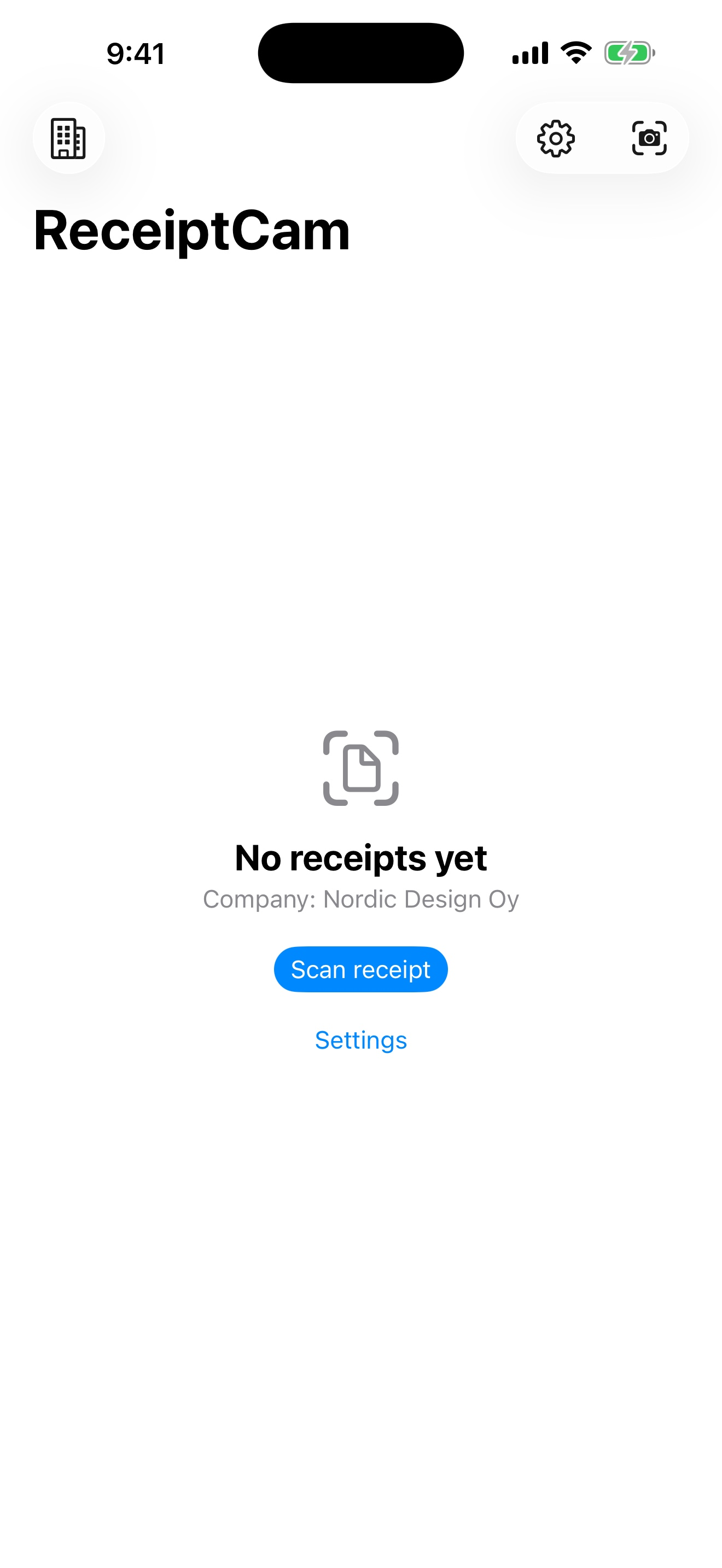
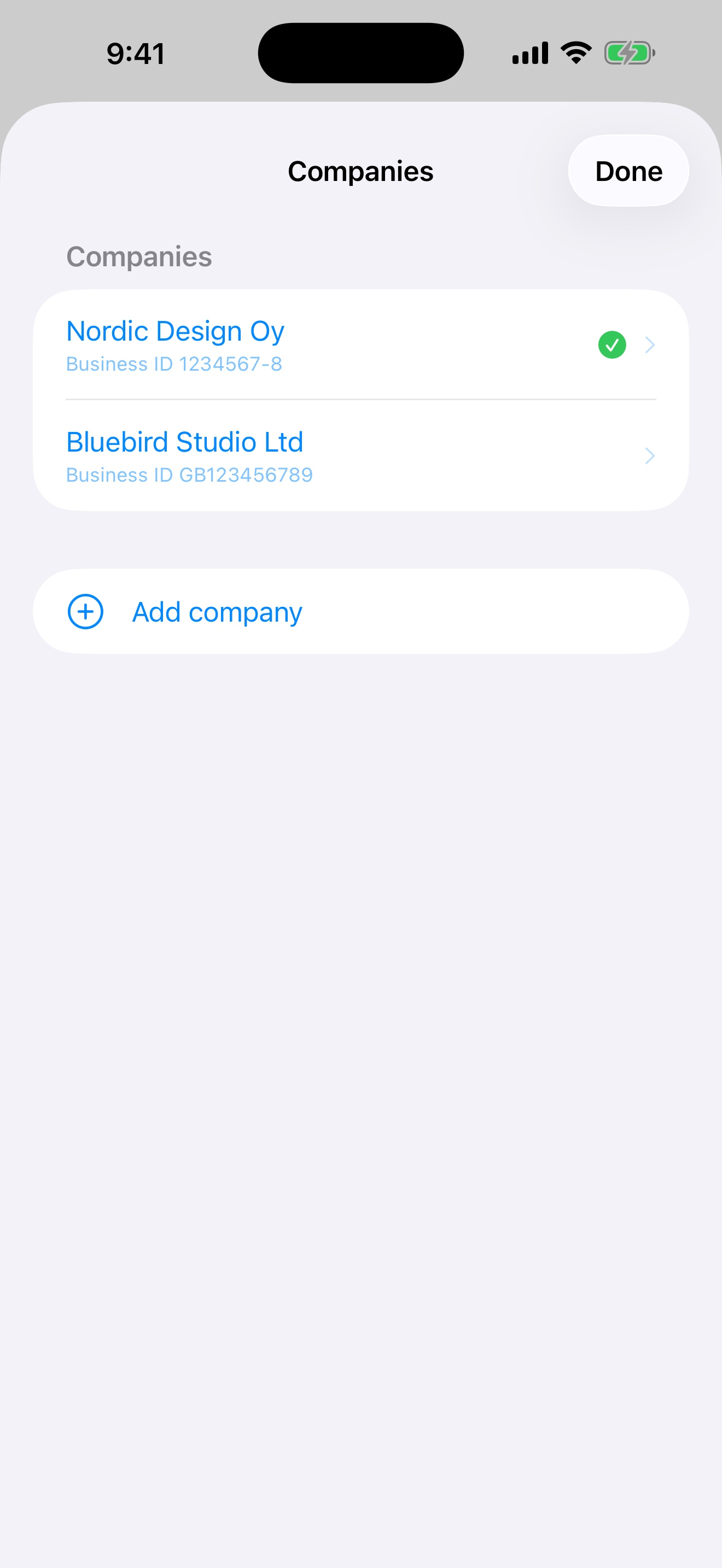
Create several company profiles and pick the active one before scanning.
Capture several different receipts in one session and process them together.
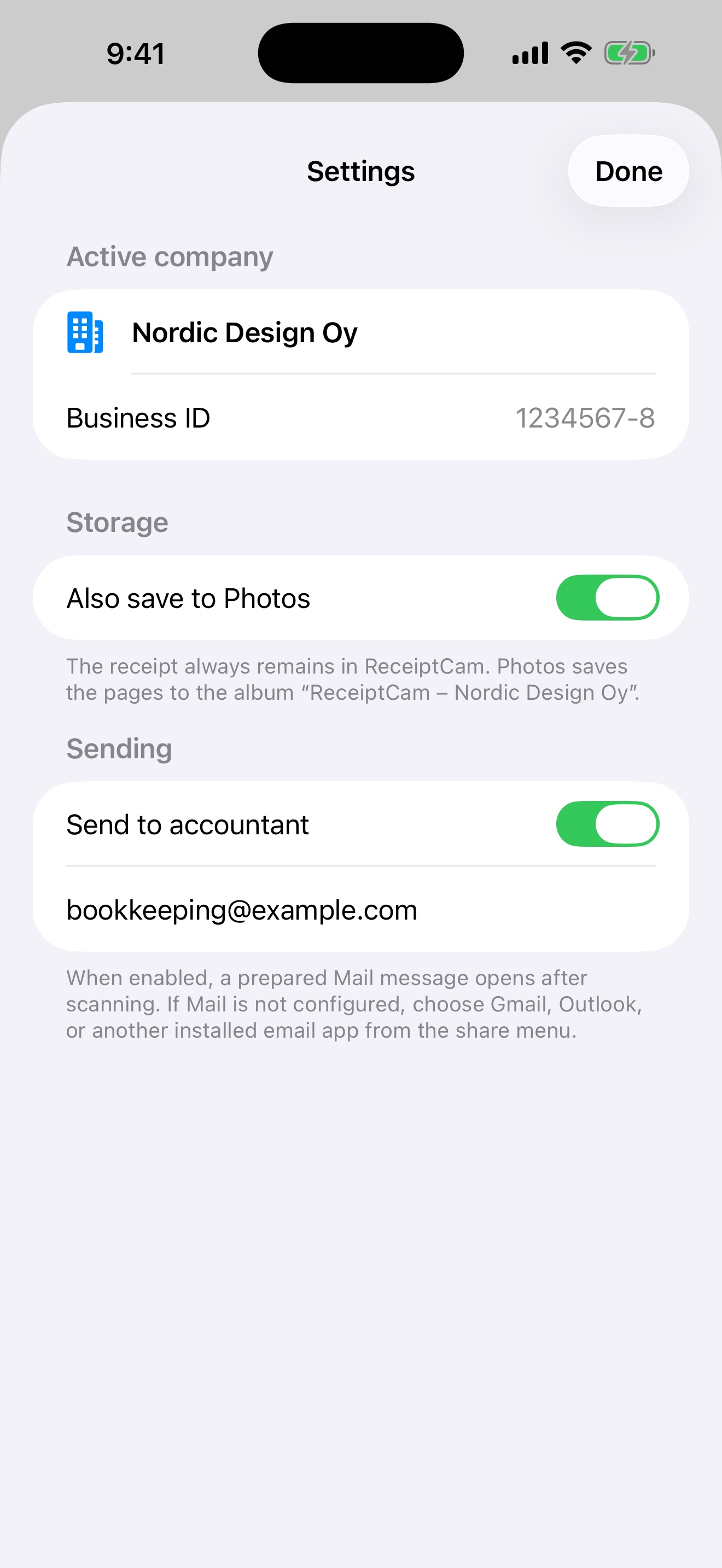
Set the recipient and your own default message. ReceiptCam opens a draft with the PDFs attached.
Choose a Files/iCloud or compatible provider folder, or connect OneDrive and select its folder.
Save personal warranty receipts, product name, purchase date, serial number and warranty or return deadline.
Search the library, select multiple receipts and create monthly or warranty export packages.
ReceiptCam detects likely duplicates before adding another copy to the library.
OCR and the ReceiptCam library live on the device. There is no ReceiptCam receipt-storage server.
Works with your setup
Save through the iOS Files system to iCloud Drive or compatible installed providers such as Dropbox and Google Drive. OneDrive has a direct connection so you can choose a folder and upload after signing in.
Not only for businesses
Personal mode keeps warranty receipts apart from company receipts. ReceiptCam can read product and date details, show remaining warranty time and remind you before a return or warranty deadline.
Real app, real screens
FAQ
No. It prepares a draft with the files attached. You review it and press Send in your chosen mail app.
Yes, through the iOS Files picker when that provider is installed, signed in and enabled as a location. Availability is controlled by the provider and iOS.
No Arkeasi or ReceiptCam account is needed. OneDrive sign-in is only needed if you choose that destination.
The in-app library is stored locally on your device. Copies only go to destinations you choose. Back up important documents separately.
Not yet. The current published version is for iPhone and iPad.
€3.99 one-time purchase in Finland · local App Store pricing may vary